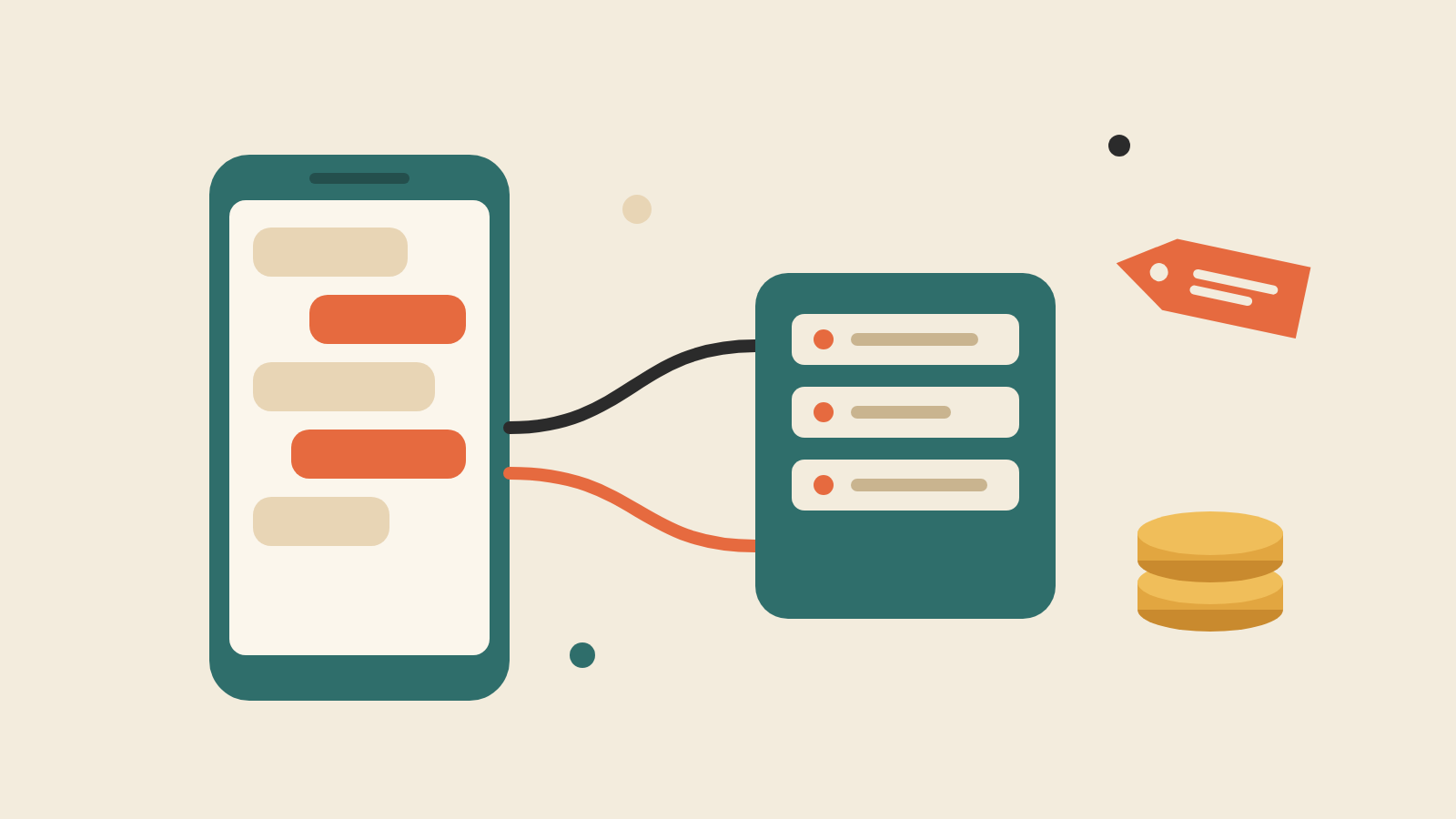
The WhatsApp Business API is Meta's Cloud API, part of what Meta calls the WhatsApp Business Platform. It lets software, such as a chatbot, AI agent or shared inbox, send and receive messages on your business number. The free WhatsApp Business app is a phone app for replying by hand. The API needs setup, and Meta charges per message.
Meta has changed its pricing several times since mid-2025, so much of what you read online is out of date. The prices and rules below come from Meta's own documentation, as of November 2026.
WhatsApp Business app vs WhatsApp Business Platform (API)
- Who it's for: WhatsApp Business app: Owners who reply themselves; WhatsApp Business Platform (API): Businesses that want software to send and receive messages
- Where it runs: WhatsApp Business app: A phone, plus up to four linked devices; WhatsApp Business Platform (API): No Meta app. You connect software to the Cloud API, yourself or through a provider
- Automation: WhatsApp Business app: Greeting and away messages, quick replies, labels; WhatsApp Business Platform (API): Whatever your software does: AI replies, bookings, CRM updates
- Bulk messages: WhatsApp Business app: Broadcast lists of up to 256 contacts, only to people who saved your number. Paid "business broadcasts" exist in a limited number of countries; WhatsApp Business Platform (API): Approved template messages to customers who opted in, within your messaging limit
- Messaging a customer first: WhatsApp Business app: Yes, by hand; WhatsApp Business Platform (API): Only with an approved template
- Cost: WhatsApp Business app: Free to download; WhatsApp Business Platform (API): Per delivered message, by category. Provider fees extra
If one person can keep up with your chats, the app is fine, and our auto-reply guide helps you get more from it. If enquiries sit unanswered overnight, or several staff share one number, you need the API, usually through a provider.
Can you keep the app too? Meta now lets providers connect an existing WhatsApp Business app number to the API, with chats synced both ways. Broadcast lists become read-only and disappearing messages are switched off. App messages stay free; API messages are charged. Not every provider supports this, so ask.
How WhatsApp Business API pricing works
Since 1 July 2025, Meta charges per message, not per conversation. Three rules apply:
- You pay only for messages that are delivered.
- Messages customers send to you are free.
- The price depends on the message category and the country code of the customer's number. A +65 number is charged Singapore's rate; a +60 number, Malaysia's.
The four message categories
- Marketing: templates for promotions and offers.
- Utility: templates for transactional updates, such as order confirmations.
- Authentication: templates for one-time passcodes.
- Service: free-form replies sent inside the 24-hour customer service window. No approval needed.
Replies from Meta's own AI agent, Meta Business Agent, are a fifth category, billed by tokens.
What changed on 1 October 2026
Service replies had been free since November 2024. Now each business phone number gets 1,000 free service messages a month, charged from the 1,001st, with no roll-over. Utility templates sent inside an open customer service window, free since July 2025, are charged again. Without a payment method on file, Meta stops delivering service messages once the free tier runs out.
Still free: messages customers send you, those first 1,000 service messages, and everything in a "free entry point" window. That window opens when a customer messages you from a Click to WhatsApp ad and you reply within 24 hours, and it can stay open for up to 7 days.
Singapore rates, as of November 2026
Singapore got its own line on Meta's rate card on 1 July 2026. Before that, it was priced as "Rest of Asia Pacific". Per delivered message to a +65 number, on the card effective 1 October 2026:
- Marketing: SGD: S$0.0937; USD: US$0.0732
- Utility: SGD: S$0.0205; USD: US$0.016
- Authentication: SGD: S$0.0205; USD: US$0.016
- Service (after 1,000 free a month): SGD: S$0.0205; USD: US$0.016
Volume discounts on utility messages in Singapore only start after 150,000 a month.
In practice, counting Meta's fees alone:
- A clinic that sends 1,500 service replies and 400 booking confirmations in a month pays about S$10.25 for the 500 replies over the free tier, plus S$8.20 for the confirmations.
- One promotion to 10,000 opted-in Singapore customers costs about S$937.
Meta updates pricing only on 1 January, 1 April, 1 July or 1 October, with at least a month's notice for rate changes, so check the rate card before you budget. SGD billing has been available since April 2026.
Provider fees on top
Most SMEs reach the API through a provider, which Meta calls a Solution Partner or Tech Provider (often called a BSP). Providers charge for their software on top of Meta's message fees. A Solution Partner can bill Meta's fees on its own invoice; with a Tech Provider, you add your own payment method and Meta bills you directly. Ask which applies, and whether Meta's rates are marked up.
How to get WhatsApp Business API access
- Pick your route. Going direct means a developer creates a Meta app with the WhatsApp use case, generates access tokens and runs a webhook server. Through a provider, you complete their sign-up flow and use their software.
- Set up a Meta business portfolio in Meta Business Suite, if you don't have one.
- Choose the number. Meta requires a number you own, with a country and area code (no short codes), that can receive an SMS or voice call. Mobile is recommended. A number already on WhatsApp must be deleted from WhatsApp first, unless your provider can connect a WhatsApp Business app number.
- Register it with a display name, a business profile and a two-step verification PIN.
- Add a payment method in Meta's Billing Hub, or use your provider's credit line.
- Verify your business. You can start without it, but it raises how many customers you can message first. Your display name is reviewed when you reach a higher messaging limit. Until it is approved, it shows on your profile but not at the top of chats.
- Submit templates. Anything sent outside the 24-hour window must be an approved template. Meta says decisions can take up to 24 hours.
Downsides and limits
- Templates for anything you start. Free-form messages are only allowed within 24 hours of the customer's last message or call. Templates get rejected for formatting mistakes, duplicates, or asking for things like full ID or card numbers.
- Opt-in is mandatory. The person must be told clearly that they are opting in, and to which business. A list bought from someone else won't have that opt-in.
- Costs grow with volume. Each marketing message to a Singapore number costs about 9 cents.
- WhatsApp controls some delivery. It may cap marketing templates to people less likely to engage, and sustained low quality, such as many blocks and reports, gets you rate-limited.
Messaging limits
Messaging limits cap how many different customers you can message outside a customer service window in a rolling 24 hours, across all numbers in your business portfolio. Replies inside an open window don't count.
- 250 for a new portfolio.
- 2,000 after you verify your business, or after sending 2,000 delivered template messages to different customers within 30 days using high-quality templates. Meta then reviews your message quality.
- 10,000, then 100,000, then unlimited, one step at a time, if quality stays high and you used at least half your limit in the last 7 days. Each step takes effect within 6 hours.
Singapore: PDPA consent and the DNC registry
Meta's opt-in rule doesn't replace Singapore law. Meta says opt-in must comply with it.
The PDPC's advisory guidelines say the Do Not Call (DNC) provisions apply to marketing messages (the PDPA calls them "specified messages") sent through apps such as WhatsApp that use a Singapore number. Before sending marketing templates to +65 numbers, you generally need to check them against the DNC Registry, unless an exception applies, such as having the person's clear and unambiguous consent, evidenced in writing or another form. Marketing messages must also identify your business and say how to reach you.
The PDPA's wider consent and data rules apply to the chats themselves, especially if AI reads them. Our PDPA checklist for AI customer messaging covers that. This is general information, not legal advice; for the detail, see the PDPC's guide to the DNC provisions.
Where microcrew fits
Many owners don't really want an API. They want the 11pm enquiry answered.
That is what microcrew does. It runs on your existing WhatsApp Business number, so customers message you the same way they do today. It replies in about 30 seconds in your tone, answers from the documents you connect (brochures, fact sheets, listings), books meetings into your Google Calendar and can call leads back. Anything it isn't confident about goes to you instead of a guess, and you can take over any chat with one click. It handles Telegram and Lazada chats too.
See also how to add AI to WhatsApp or what a good WhatsApp chatbot should do.